Latest Articles

  • Make Your iPhone Work Better. 20 Settings to Change Now

    1. Bring back full-screen incoming call alerts

    Prior to Apple's iOS 14 update, the incoming call screen would take over your entire display when your iPhone was unlocked and being used. It was disruptive, sure, but it also got the job done.

    Starting with iOS 14, however, Apple changed the incoming call prompt to look more like a typical alert. That is, now it's a small notification that shows up near the top of the screen when you're using your phone. On more than one occasion I've nearly missed a call because I dismissed the alert as yet another annoying notification that didn't immediately need my attention.

    To get the more attention-grabbing full-screen alerts back, go to Settings > Phone > Incoming Calls and tap Full Screen.

    Learn More


    Read more
  • Ethiopia exports coffee beans

    In Addis Ababa’s affluent Bole neighbourhood, the traditional smell of roasting coffee beans wafts through a thoroughly modern coffee shop. Garden of Coffee is agnostically decorated with large comfy couches and floor-to-ceiling windows that look out onto the street, giving it the atmosphere of a coffee shop that could be anywhere in the world. Making it distinctively local is the woman spreading beans over an open roaster, in the slow circular movements of Ethiopia’s jebena buna coffee ceremony.

    SOURCE:

    https://qz.com/africa/1560013/ethiopias-coffee-ritual-is-being-exported-to-china-japan/


    Read more
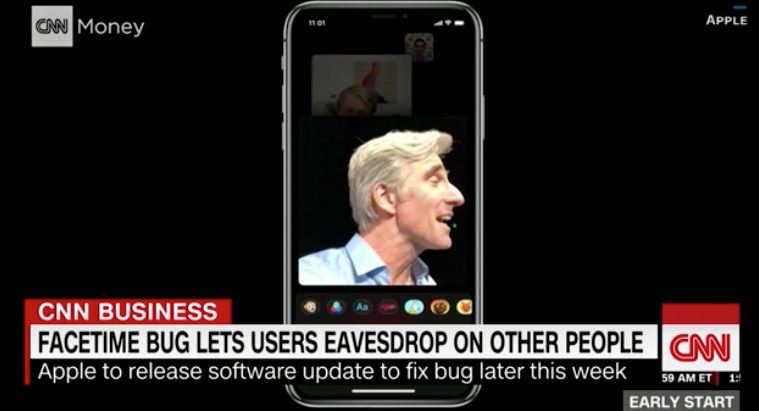
  • iPhone FaceTime bug lets other people eavesdrop on you

    San Francisco (CNN Business)A newly discovered bug in Apple's FaceTime software lets Apple users listen in on the people they are calling, and even see through their front-facing camera, without them picking-up the call.

    The bug, flagged by 9to5Mac on Monday, was quickly recreated by people across social media. CNN Business confirmed the bug multiple times in its own tests.
    Apple said in a statement Monday night that it has identified a fix for the problem and will release it in a software update later this week. In the meantime, Apple's website indicates Group FaceTime is unavailable, and the company confirmed it has started disabling the Group FaceTime feature for all users.
     

    Read More... 

    ==========

    SOURCE : CNN 

    =========

    Read more
  • Use Multiple Dropbox Accounts on One Computer

    Dropbox is one of the best online services through which the users could save their data for the backup. 

    How to Use Multiple Dropbox Accounts on One PC

    The method is quite simple and easy and you just need to follow the simple step by step guide discussed below to proceed.

    Steps to Use Multiple Dropbox Accounts on One PC:

    Step 1. First step of the method is to create the new user account on the Windows computer. This is extremely simple and if you are the familiar use of this operating system then this is quite easily possible. Press the Win + I Key and then click on the Accounts Tab. Under the Family and other users from the left panel and thereafter, click Add someone else to this PC option. This option will be available on the right side under the Other Users section.

    ========

    - Read More


    Read more
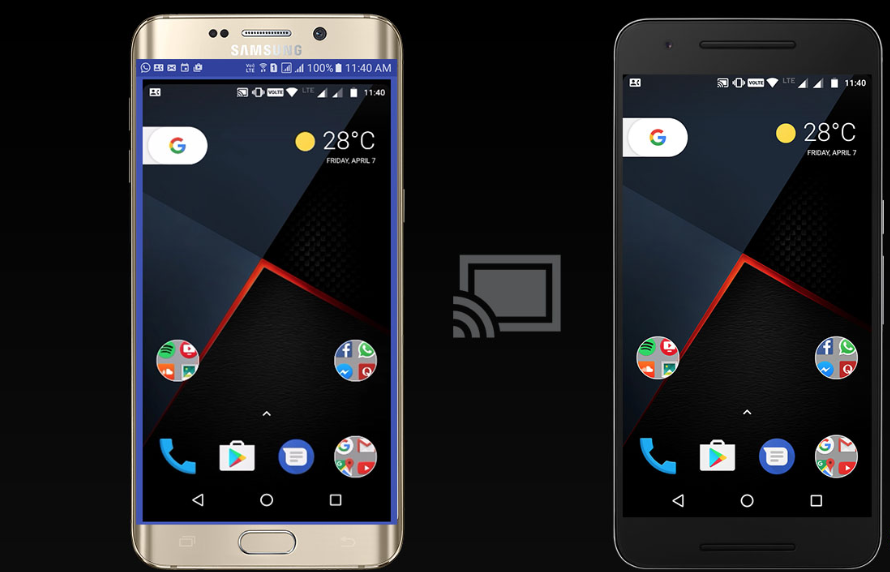
  • Android Screen share to Another Android Screen

    Learn how to share Android Screen to another Android screen via Inkwire App that will we working exactly like well-known PC tool that is Team Viewer by which you can easily control another android right from yours.

    Now, in our computer system, we used to share our PC screen with our friend or with our office clique for any work, either in the case of troubleshooting or any other basic need. In Android there are many applications are present to share your device screen with the other device screen, but you may find so many bugs and ads in all the application. Now, if you want to share your device screen remotely with the other device for any purpose, you can use an app named Inkwire. Here below we will show you how to share your device screen with the other Android device with the use of this application. So follow up the below guide discussed below to proceed.

    How to Share Android Screen to Another Android Screen

    In our tutorial streamer, Android device will be called as the sender. The device of which screen will be shared with the receiver. On the other hand, a receiver device will be called as the receiver in our tutorial, which will have access to the live access to the sender’s device. Both the recipient and sender must have Inkwire App installed on their Android device. The last but the most important thing is the working internet connection. Internet connection of good speed must be there for the normal flow of the whole process.

    ======

    Read More

    Read more

Latest Articles

Most Popular